
Drupal runs websites for government departments, universities, hospitals, member associations and large businesses around the world, largely because it handles complex content securely and flexibly. Like every platform, though, each version has a limited support window, and one of those windows is about to close. If your organisation is still on Drupal 10, now is a good time to speak with experienced Drupal web developers about moving to the next version.
Understanding the Drupal Release Timeline
A new major version of Drupal arrives roughly every two years, and each one is supported with security updates for a fixed period. The last few years show how quickly that cycle turns over.
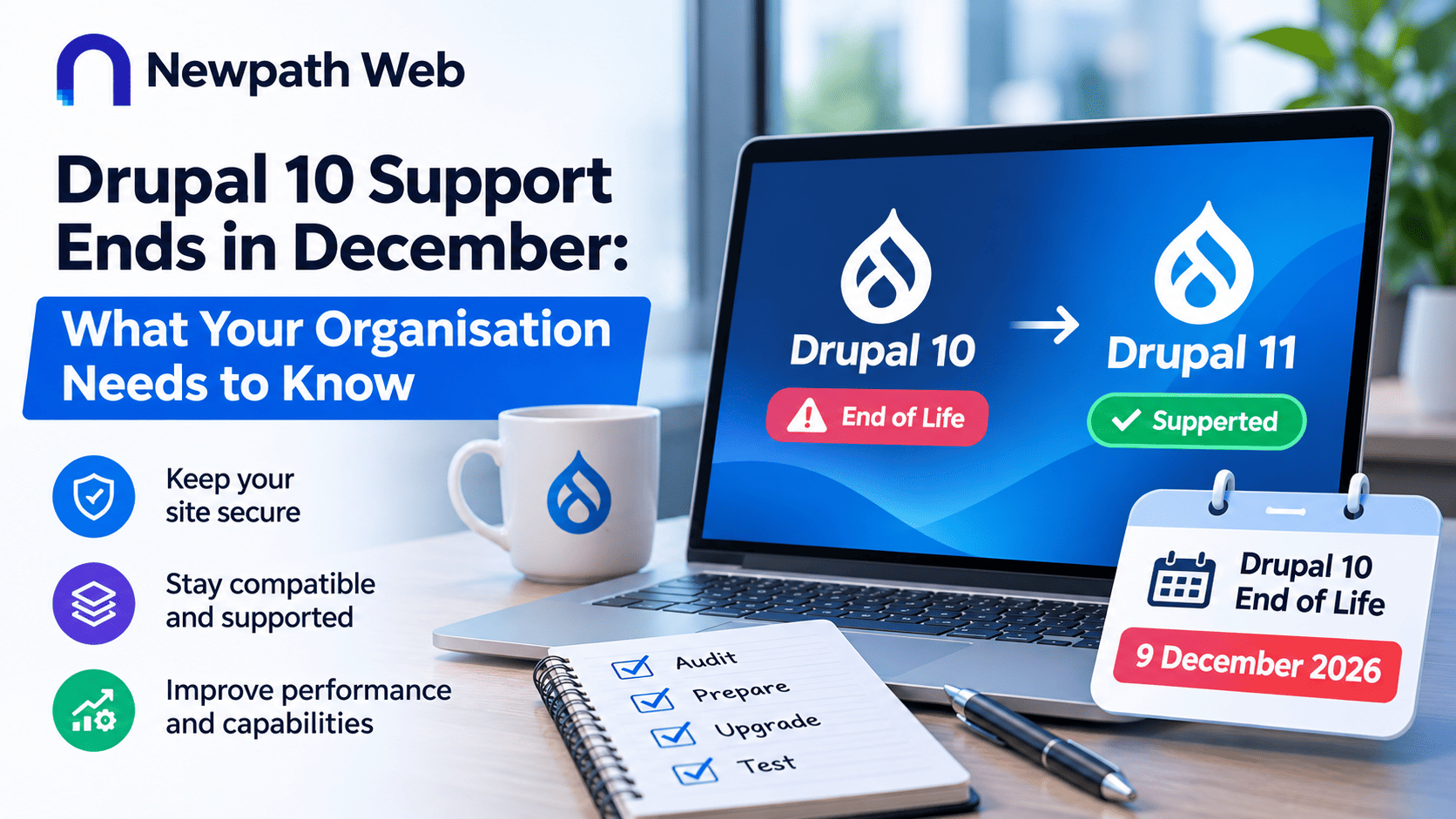
Drupal 7, which many organisations relied on for more than a decade, reached end of life on 5 January 2025. Drupal 11 came out in August 2024 and is now the current major version, with new features added through regular minor releases. Drupal 10 is due to reach end of life on 9 December 2026, after which it will receive no further releases or security fixes. Drupal 12 is scheduled for release that same week. For anyone still running Drupal 10, that leaves only a few weeks to move to a supported version.
What End of Life Really Means
A site does not stop working the day its version reaches end of life. Pages still load, and editors can still publish content. The problem is harder to see. Any security flaw found after that date will stay unpatched, leaving the site open to attack.
Other issues tend to build over time. Contributed modules stop supporting older versions, hosting providers move to newer versions of PHP, and it becomes harder to find developers willing to maintain an outdated platform. For organisations that hold personal information or work in regulated sectors, running unsupported software can also raise compliance questions.
Why Upgrading From Drupal 10 Is Simpler Than Earlier Migrations
Anyone who moved off Drupal 7 may remember it as a rebuild rather than an upgrade. The architecture changed so much that content, themes and custom features often had to be recreated from scratch.
Modern Drupal is different. Since Drupal 8, each major release has mostly involved removing outdated code and updating underlying components, rather than rethinking how the system works. As a result, moving from Drupal 10 to Drupal 11 is far more manageable, especially for sites that have kept up with minor releases and use well-maintained modules.
It is still not a one-click job. Custom code, themes and contributed modules all need checking, and some sites will need more work than others.
Planning a Smooth Upgrade
A clear plan keeps the work on schedule and avoids disruption. Most upgrades involve the following steps:
- Audit the current site. Record the Drupal version, contributed modules, custom code and hosting setup.
- Check module compatibility. Work out which modules already support Drupal 11, which need updating and which should be replaced.
- Update the hosting environment. Make sure the server meets current requirements for PHP, the database and related software.
- Fix deprecated code. Update custom modules and themes so they run on the newer version.
- Test thoroughly. Check functionality, integrations, forms, accessibility and speed on a staging site before going live.
- Plan for ongoing maintenance. Keep up with regular updates so the next upgrade is just as straightforward.
Starting early leaves room to deal with surprises without a deadline bearing down.
What Affects the Time and Effort Involved
No two Drupal sites are the same, so the effort varies. A site with a handful of well-supported modules and little custom code may move across quickly. One with heavy customisation, several integrations, a multisite setup or a bespoke theme will usually need more development and testing time.
Timing matters as well. Avoiding busy periods such as major campaigns, end of financial year or peak enrolment reduces the risk for teams who rely on the site every day. A short content freeze in the final stages also helps keep everything consistent at go-live.
Turning an Upgrade Into an Opportunity
An upgrade is also a good moment to look at how well the site is working for its audience. Many organisations use it to improve accessibility, tidy up content structures, simplify editorial workflows or connect the site more closely with other business systems.
Recent changes in the Drupal ecosystem help here. Drupal CMS, launched in January 2025, offers a ready-to-use version of Drupal with recipes for common features, giving new builds a faster starting point. Here in Australia, many government websites run on GovCMS, which is built on Drupal, a sign of how well regarded the platform is in the public sector.
It is also a sensible time to ask whether Drupal is still the right fit. For many organisations, its flexibility, security record and strength with structured content make it the clear choice. For others, a different platform or a headless approach may suit their plans better. Either way, the decision should be based on business needs rather than habit.
Choosing the Right Development Partner
A Drupal upgrade calls for both technical skill and careful planning. Look for a partner with hands-on experience in Drupal 10 and 11, a clear process for auditing and testing, and the ability to look after integrations, hosting and maintenance. They should also be able to explain the work in plain language, flag risks early, and give you a realistic timeline.
Preparing Your Site for What Comes Next
With Drupal 10 support ending in December, acting now means you can upgrade on your own terms rather than in a rush. A well-planned move to Drupal 11 keeps your site secure, compatible and ready for the releases that follow.
Newpath Web has worked with Drupal for many years, helping organisations plan, build and look after secure, fast websites. As an experienced web development company in Australia, we can review your current setup, map out the upgrade and support your site well beyond launch.