



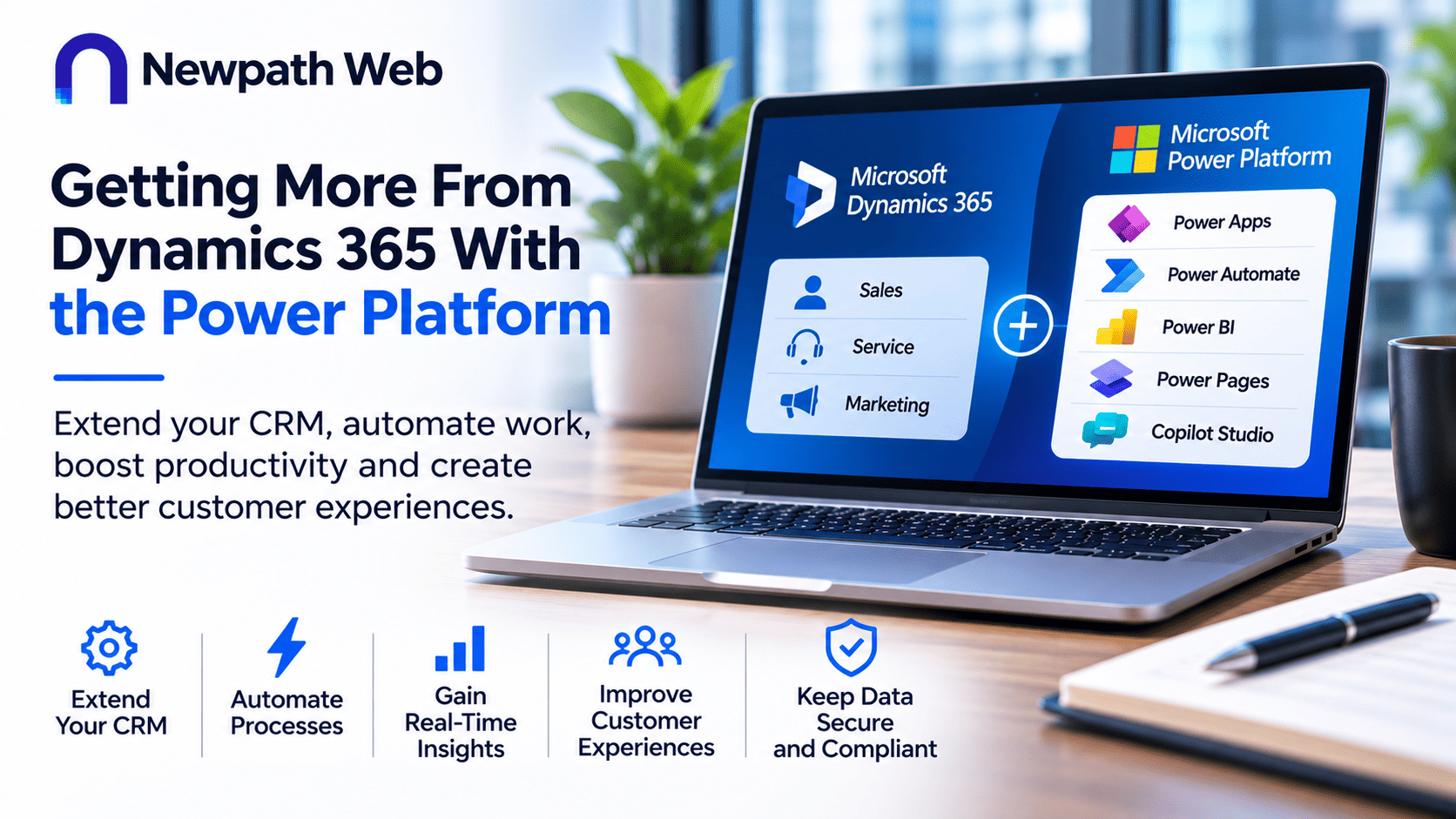

A CRM is only useful if people actually work in it. Plenty of organisations roll out a Microsoft Dynamics 365 CRM solution to manage sales, service and customer records, then find their teams still juggling spreadsheets, long email threads and manual workarounds for jobs the system was never set up to handle. The Microsoft Power Platform is a practical way to fill those gaps, shaping Dynamics 365 around how people work day to day.
Where a CRM Alone Can Fall Short
Out of the box, Dynamics 365 does a good job of managing leads, opportunities, cases and customer records. Most organisations, however, have processes that are specific to their industry or service model. An aged care provider may need compliance tasks tracked alongside each client record. A professional association might want memberships, events and accreditation managed in one place. A field service business could need technicians updating jobs from a phone in a regional town.
When the CRM does not cover these needs, staff work around it. Data spreads across different tools, reports become harder to trust, and the system stops being the single, reliable view of the customer it was meant to be.
How the Power Platform Connects With Dynamics 365
Dynamics 365 and the Power Platform are built on the same foundation, Microsoft Dataverse, which stores the data behind many Dynamics 365 applications. Because they share that data, any app, automation or report built with the Power Platform can work directly with CRM records under the same security settings and business rules.
In practice, this means you can extend the CRM without creating a separate system that has to be kept in sync. A new app or workflow simply becomes another part of your Dynamics 365 environment.
The Tools Within the Power Platform
The Power Platform includes several tools, each designed for a different kind of job:
- Power Apps. Custom web and mobile apps that use CRM data, from a simple form to a full business application.
- Power Automate. Automated approvals, notifications, data updates and document generation across Microsoft and third party systems.
- Power BI. Interactive dashboards and reports that turn CRM and operational data into something managers can act on.
- Power Pages. Secure external websites and portals where customers, members or partners can find information and lodge requests.
- Copilot Studio. AI agents that answer questions, guide users and complete tasks using your organisation’s own data.
Used together, they let you tailor Dynamics 365 closely to your needs without leaving the Microsoft ecosystem.
Practical Ways to Extend Your CRM
Some of the most useful improvements are also the simplest. Automated lead assignment, for example, sends each new enquiry straight to the right salesperson and reminds them if it has not been followed up. A mobile app lets field staff update records, take photos and add notes on site instead of back at the office. A customer portal gives clients a place to lodge service requests, check progress and download documents, which cuts down on calls and emails to your support team.
Integration brings similar gains. When Dynamics 365 is connected to finance, marketing or operational systems, data moves between them automatically instead of being typed in twice. Real-time dashboards then give managers a clear picture of the pipeline, service levels and team workload. Each change saves time, improves data quality and frees staff to focus on customers.
Low Code, With the Right Expertise
The Power Platform is often called low code because many solutions can be built with visual tools instead of extensive programming. That makes improvements quicker to deliver and easier to adjust as needs change.
Low code is not the same as no expertise. A well-built solution still depends on sound data design, security planning, integration work and proper testing. Without that groundwork, organisations can end up with a tangle of disconnected apps and flows that nobody wants to maintain. An experienced developer makes sure each solution scales, performs reliably and fits the wider technology plan.
Many organisations also train a few internal staff, often called citizen developers, to build simple apps and automations within agreed rules. That way, teams can fix everyday problems themselves while more complex or business-critical work stays with specialists.
Governance and Security
As more people start building apps and automations, governance becomes essential. Clear rules about who can create solutions, which data connectors are allowed and how environments are set up help stop data from being exposed or duplicated. Keeping development, testing and production environments separate means changes are checked properly before staff or customers see them.
Security roles in Dataverse control who can view and edit each record, and those permissions carry across every app built on the platform. Setting them up carefully from the start protects sensitive customer information and supports your privacy obligations.
Getting Started
The best place to begin is usually with the current frustrations. Look at how teams use Dynamics 365 today, where they rely on workarounds and which tasks take the longest. That quickly shows where the Power Platform will make the biggest difference. Starting with one or two focused improvements lets people see results early, builds confidence and gives you real feedback to plan the next steps.
Licensing is worth considering early too, as different Power Platform features and user types can come with different licensing requirements. Factoring this in from the beginning avoids surprises when it is time to roll solutions out.
Building a CRM That Works the Way You Do
Dynamics 365 gives you a strong foundation for managing customer relationships, and it becomes far more valuable once it reflects how your organisation actually operates. With the Power Platform, you can add custom apps, automation, reporting and portals that keep data connected and teams productive.
At Newpath Web, our Microsoft specialists design, build and support solutions that bring Dynamics 365 and the Power Platform together. If you want more from your CRM, our team can help you plan and deliver Microsoft Power Platform development that suits your organisation and grows with it.