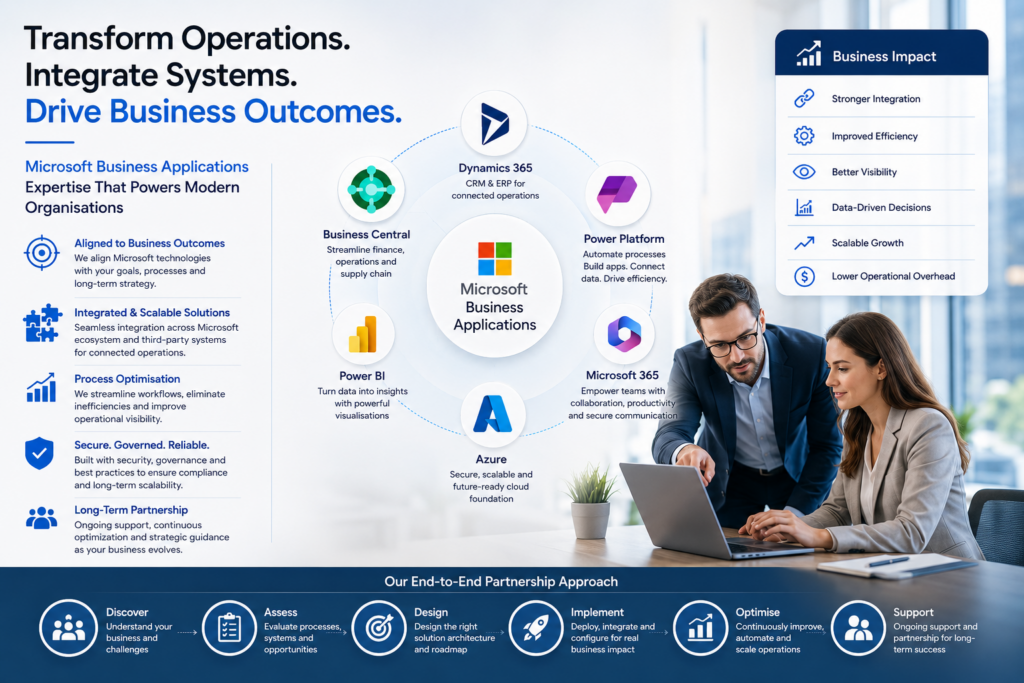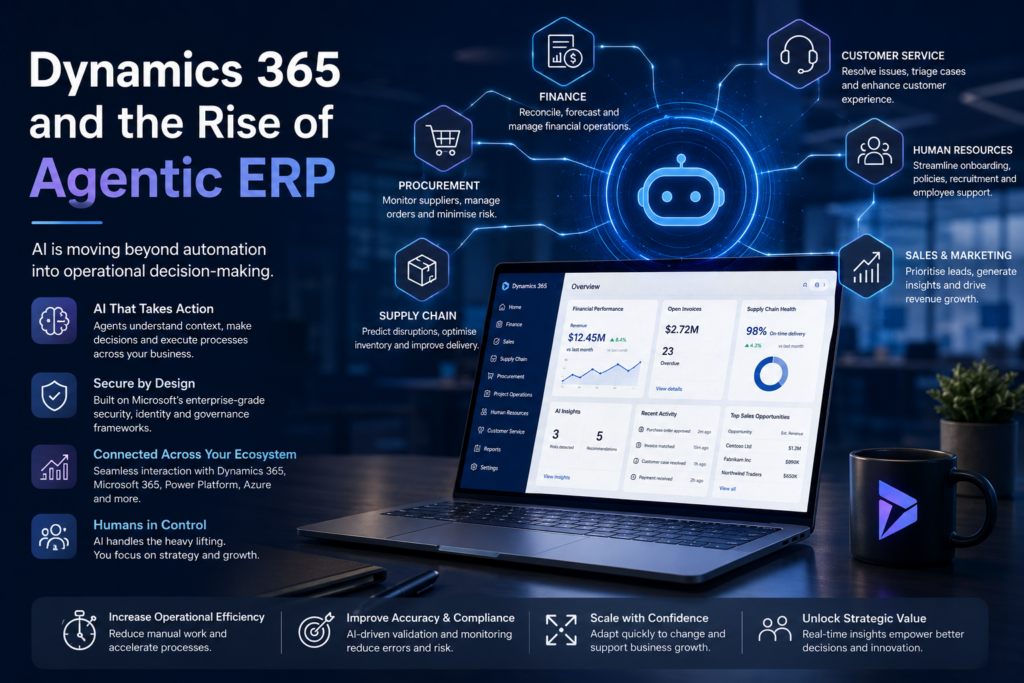





Moving data to Microsoft Dynamics 365 is an essential task in any digital transformation project. As businesses look to modernise their processes and bring their operations under a single unified platform, Dynamics 365 offers an opportunity to centralise both CRM and ERP data on a single platform.
But picking a platform is only half the battle; the key to a successful transition lies in meticulous data migration and planning. Migrating data to Dynamics 365 without care and forethought can result in incomplete records, data corruption, business interruptions, and frustrated users. Achieving a seamless transition on the other hand, means the new system will be adopted without issue while keeping vital business data intact.
Why is a Proper Migration Important?
Organisations may be moving from legacy software or simply consolidating existing databases. Regardless of the scenario, the quality of data moved into Dynamics 365 will have a direct impact on its performance and adoption by users. Clean, accurate and well-structured data helps drive informed decision making, build user confidence, and allows organisations to leverage Dynamics 365’s full capabilities to the fullest.
The focus during migration should be to move relevant data to meet business goals, rather than simply shifting everything available. Effective data migration means moving good data that can be put to use.
Step 1: Define the Scope and Objectives
The scope and objectives of the migration project should be well understood by all involved before any action takes place. These include identifying data sources, what data will be migrated (and what left behind), and defining the business objectives the new system must help achieve.
In addition to initial planning work, this stage also involves choosing a migration tool or method, and ensuring all stakeholders are aligned.
The platform itself supports several different data migration paths, including manual data import using the built-in Data Import Wizard, automated migration tools such as KingswaySoft, and the Data Migration Framework offered by Microsoft directly.
Step 2: Perform a Data Audit
Data audit is an important preparatory step that allows an organisation to assess the quality and relevance of data that already exists in legacy systems. Audits can be used to identify:
- Duplicate records
- Outdated or irrelevant information
- Incomplete or inconsistent data fields
- Data that will not map cleanly to the new system’s schema
By surfacing these issues upfront, teams can make informed decisions about what to clean, transform, or discard prior to the migration itself.
Step 3: Clean the Data
Data cleansing is one of the most time-consuming tasks in any migration project, but also one of the most critical for achieving success.
Clean data is not only usable, it’s more accurate and offers far more business value once it’s live in Dynamics 365.
- Cleaning data may include:
- Removing duplicate or redundant entries
- Addressing formatting issues
- Validating email addresses, phone numbers, and other key contact information
- Ensuring mandatory fields are completed
- Fixing conflicts or anomalies between multiple systems or applications
Data cleansing tools like Excel, SQL scripts, or third-party software can help automate parts of the process.
Step 4: Map and Transform the Data
Once data is clean and consolidated, it’s time to map out how that data will fit into the Dynamics 365 environment. Mapping involves data modelling, identifying entity relationships and their dependencies, matching field types (strings, dates, integers, etc), and accounting for any differences in structure between the source and destination.
Mapping can also cover:
- Custom fields and entities
- Lookup and parent-child relationships
- Hierarchical data (parent/child records)
- Archived and historical data
This step is where dynamics 365 consulting services can be critical to the success of any migration project. Expert guidance can take your team through the technical hurdles necessary to ensure mapping is done properly with no vital data lost or misaligned.
Step 5: Build and Test a Prototype
Before full migrations take place, its best to perform some initial testing using a small sample dataset or representative slice of the complete data set. A migration prototype can help discover:
- Data compatibility issues
- Performance bottlenecks
- Errors in mappings or transformations
- Missing or truncated data
Testing should be performed using a sandbox or staging instance that closely resembles the production instance. Results should be verified by technical teams as well as business users to ensure data appears and behaves as expected.
Step 6: Plan a Phased Migration Strategy
Migration in phases rather than all at once (“big bang” migrations) allows for more control and less risk. Segregate mission-critical data such as customer records, open leads, financial transactions, etc, for initial migration with lower priority or older data to be migrated in later phases.
Segmenting can also be achieved by business unit, geographic region, or system module; whatever best suits the organisation. Incremental migration allows teams to uncover and fix problems over time while avoiding business disruptions.
Step 7: Validate and Support Post-Migration
After the migration completes, proper validation steps are key to long-term success. Validation can include:
- Ensuring accuracy and completeness of data
- Verifying all field relationships and business rules work as expected
- Checking that reporting and dashboard metrics populate correctly
Feedback should also be collected from end users. Ongoing support should be available to resolve any outstanding issues after a few weeks of go-live. This includes assisting users with the new system, fixing any data-related issues, and fine-tuning configurations.
Step 8: Create Data Governance and Maintenance Guidelines
A good migration is just the first step in a longer term data strategy. Ongoing data quality and governance processes must be put in place to ensure data stays up-to-date. Governance guidelines may include:
- Monitoring for data quality
- Periodic audits
- Training users
- Enforcing access controls
- Reviewing system use and demand
Involving a third-party partner to help structure and enforce these policies can help ensure the organisation continues to get value from Dynamics 365 long after migration is complete.
Partnering with a 365 Consultancy
Data migration is not an IT project alone, it’s a strategic initiative that touches the entire business. Partnering with an experienced provider is the easiest way to streamline the process and ensure the risks of errors are minimised. Agencies offering Dynamics 365 consulting services have both the technical skills and business acumen to help your organisation migrate data in a way that supports growth, compliance, and operational excellence.
Moving to Dynamics 365 is a transformative step for any business. The centralisation of data and the integration of CRM and ERP functionality under one roof has the potential to significantly improve customer interactions and boost overall efficiency. But before any of that value can be delivered, a successful data migration is needed to ensure business continuity and drive adoption of the new platform.
Following the best practices discussed above, including a rigorous audit, data cleansing, mapping, testing and careful phased execution can ensure your business achieves a smooth transition and the most value from its investment in Dynamics 365. With expert support and a structured approach, your organisation can build the foundation for a smarter, data-driven future.